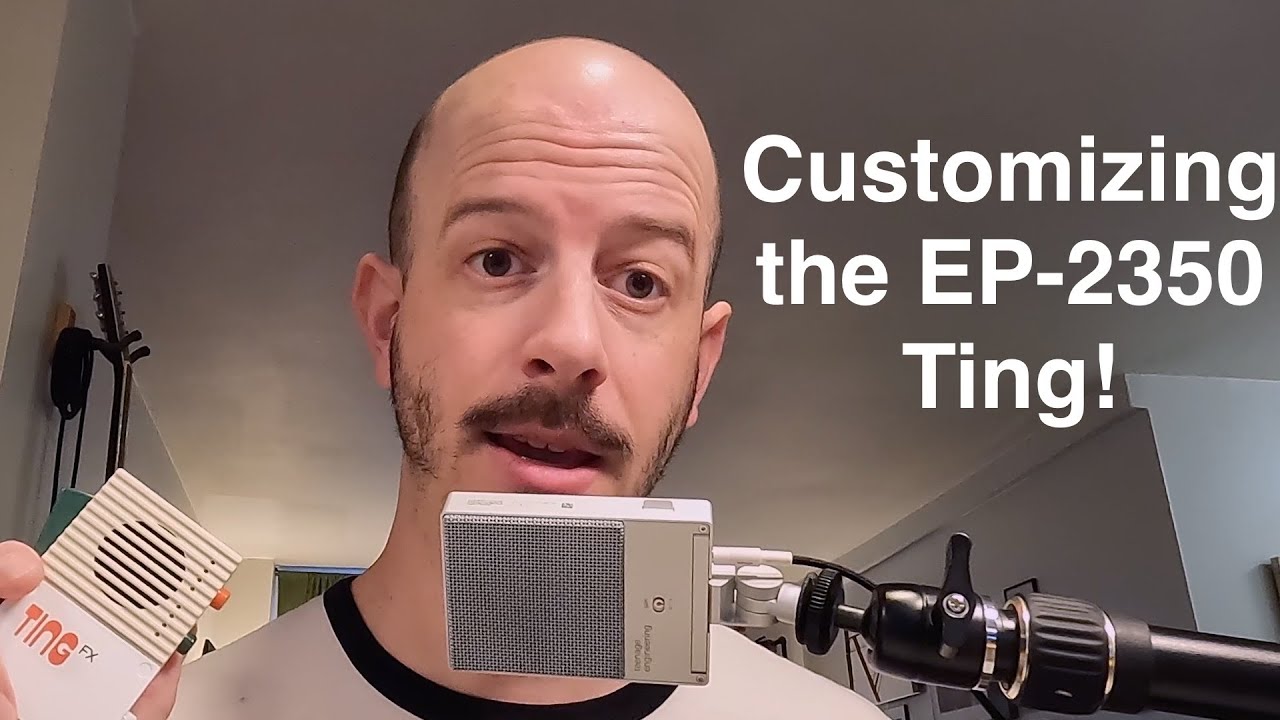
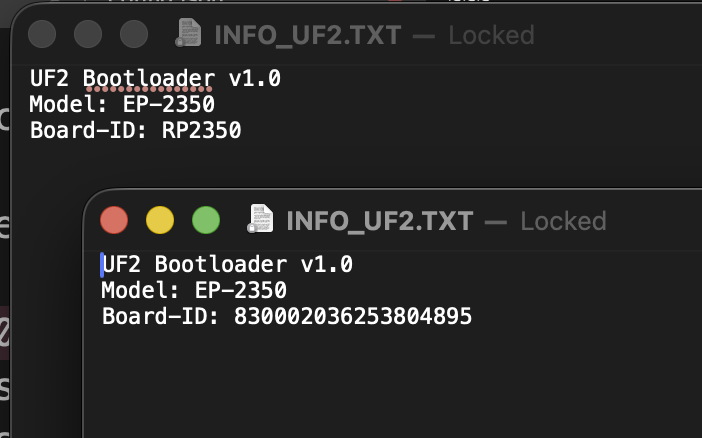
The EP-2350 “Ting” microphone is powered by the Raspberry Pi RP2350 microcontroller (that explains the model number), which when connected to a computer will mount a writable disk and includes basic instructions for setting up a config.json file and a sample document, to override any of the factory presets.
There are TEN effects available, several with multiple parameters, controllable by the user via the handle position, “trigger”, and shake. The demo file also shows an example of how effects can be layered to create a patch preset of effects, which explains how the two factory presets of echo and echo+spring are achieved.
What a neat device!
Firmware Update
Boot loader is accessed by holding the handle button and double clicking the button above the USB-C port, and must be held during the entirety of loading the firmware on and during the update. The factory firmware boot loader disk attached as “RP2350” and after upgrade to the Nov, 4 v1.0.5 presented as the documented “TING BOOT” disk.
From the pdf on the device regarding config.yaml…
I don’t fully understand the "row" components of the example presets. If these are zero-indexed (as inferred from the gentle reminder "name": "We count from zero", then is the "lfo": { "row": 3, "param": "echo" line affecting the { "effect": "DELAY" (which is 3rd in the list, but index 2, and has an echo param) or the { "effect": "SAMPLE" element (which is 4th in the list, but index 3, and lacks an echo param) of the list?
example
{
  "name": "We count from zero",
  "samples": [
    { "pos": 1, "file": "samples/whistle1.wav","playmode": "oneshot" },
    { "pos": 0, "file": "live1/loop.wav","playmode": "startstop" },
    { "file": "horn.wav","playmode": "hold" },
    { "file": "live1/shottis.wav","playmode": "oneshot" }
  ],
  "presets": [
    {
      "pos": 0,
      "list": [
        { "effect": "HARMONY", "pitch": 2.0, "BUS": 2 },
        { "effect": "REVERB", "time": 0.1, "dry-level": 1.0 },
        { "effect": "DELAY","time": 0.5, "dry-level": 0.0, "echo": 0.5, "BUS": 1 },
        { "effect": "SAMPLE", "speed": 1.0 }
      ],
      "handle": { "row": 1, "param": "time","depth": 0.6 },
      "shake": { "row": 2, "param": "echo", "depth": 1.0 },
      "lfo": { "row": 3, "param": "echo", "depth": 1.0,
      "mpy": 1.0, "shape": "random", "phase": 0, "speed", 4.0 },
      "trigger": { "row": 3 }
    },
    {
      "pos": 2,
      "list": [
        { "effect": "HARMONY", "pitch": 2.0 },
        { "effect": "SAMPLE", "speed": 2.0 },
        { "effect": "REVERB", "time": 1.0, "spring": 0.5 },
        { "effect": "DELAY", "time": 0.1, "echo": 0.5 }
      ],
      "handle": { "row": 2, "param": "pitch", "depth": -0.2 },
      "trigger": { "row": 1 }
    }
  ]
}
effects
BALANCE:
  balance [0.0, 1.0]
DELAY:
  time [0.0, 1.2]
  lowpass-cutoff [0.0, 1.0]
  highpass-cutoff [0.0, 1.0]
  wet-level [0.0, 1.0]
  dry-level [0.0, 1.0]
  echo [0.0, 1.0]
  cross-feed [0.0, 1.0]
  balance [0.0, 1.0]
DIST:
  amount [0.0, 40.0]
  highpass-cutoff [0.0, 1.0]
  lowpass-cutoff [0.0, 1.0]
  mix [0.0, 1.0]
HARMONY:
  dry-level [0.0, 1.0]
  pitch [0.50, 2.0]
HIGHPASS:
  cutoff [0.0, 1.0]
LOWPASS:
  cutoff [0.0, 1.0]
SAMPLE:
  speed [0.0, 4.0]
  pitch [-24.0, 24.0]
  level [0.0, 1.0]
  balance [0.0, 1.0]
REVERB:
  dry-level [0.0, 1.0]
  wet-level [0.0, 1.0]
  time [0.0, 1.0]
  spring-mix [0.0, 1.0]
  highpass-cutoff [0.0, 1.0]
RING:
  frequency [0.0, 20000.0]
  mix [0.0, 1.0]
SSB:
  frequency [-20000.0, 20000.0]
LFO shapes
[ sine, square, sawtooth, random ]