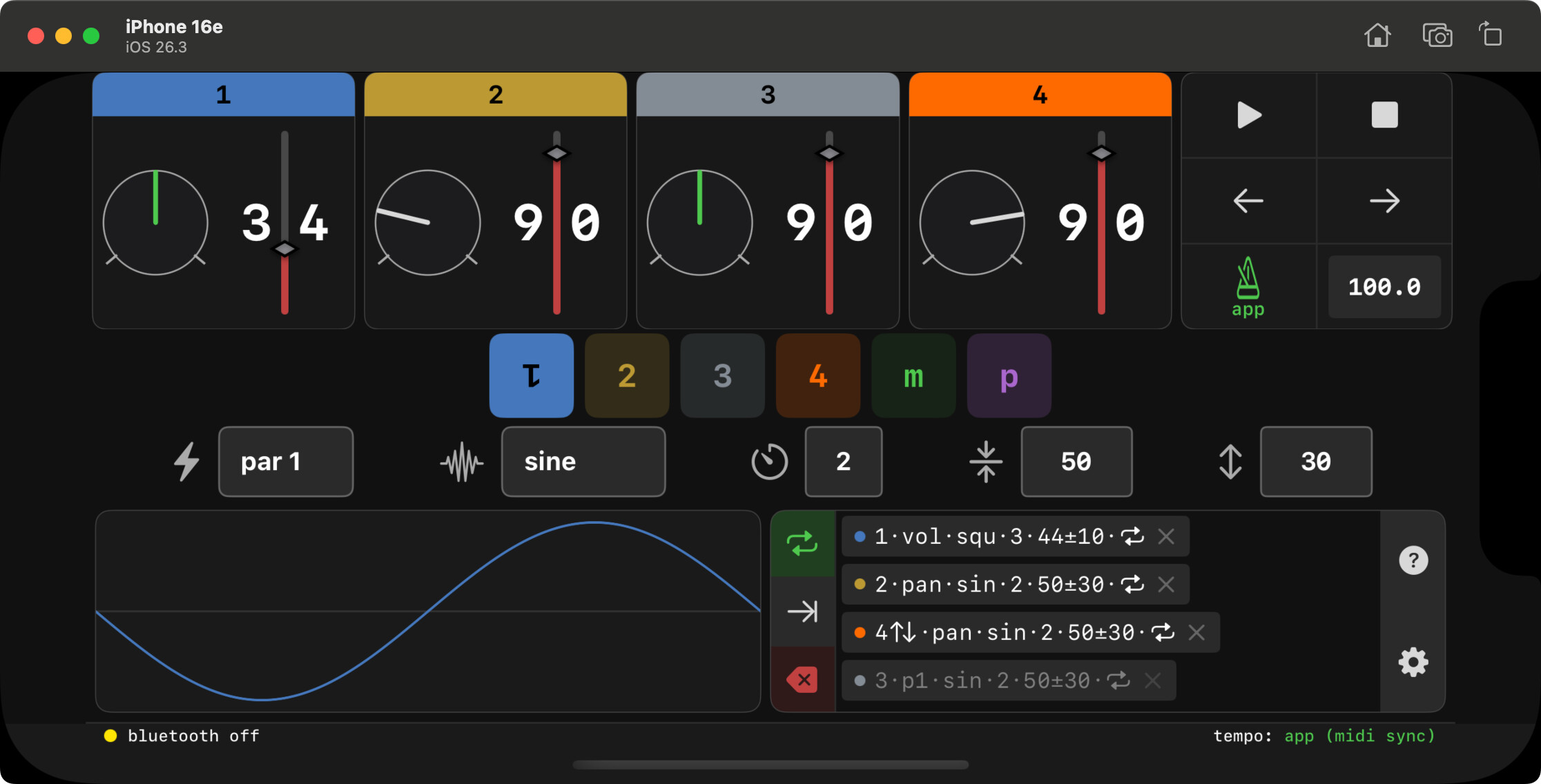
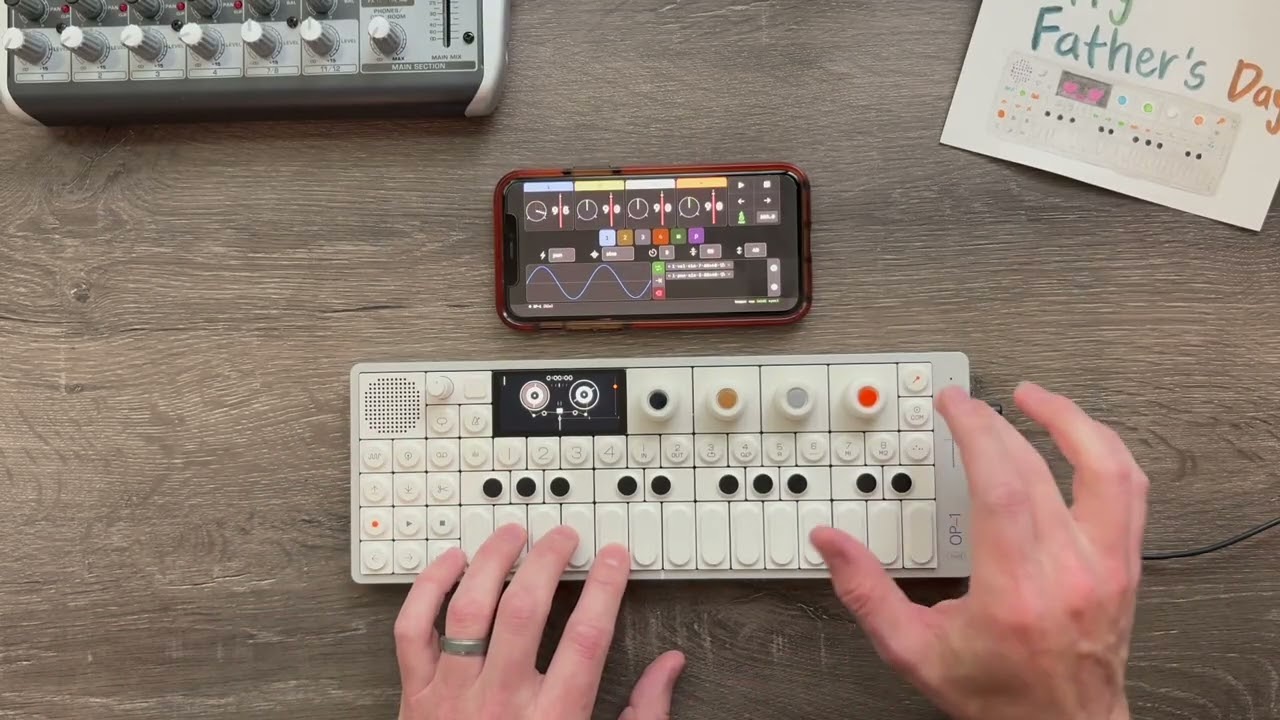
i wondered if the op1 field had more functionality than what shows on the fx and lfo pages. turns out lfos can run externally, and tracks can handle multiple lfos!
DM me your apple ID email address to be considered as a beta tester for the iOS app for advanced lfos. runs on iPhone, iPad, and ever newer macs. midi connection via usb or ble (bluetooth). ooh la la.
we only need a handful of testers. you’ll need to register as an apple developer (free) and install test flight to download the latest builds.
(it runs without any midi connections, but the app doesn’t make any sounds… so don’t offer unless have an op1.)
There is no walkthrough. I thought about spelling everything out, but the very product I designed it for doesn’t do it. If you can figure out the op1, I have full confidence you will soon figure this out.
Hints:
- Start with something you can see on both the app and the op1, such as volume, pan, or mute.
- The help screen gives some explanations of how components work.
- “p” (preview) will activate the current lfo’s settings. When you’re happy with it, click the loop/repeat button to make it an active lfo chip.