Hi everyone — first post here, writing from Tokyo 
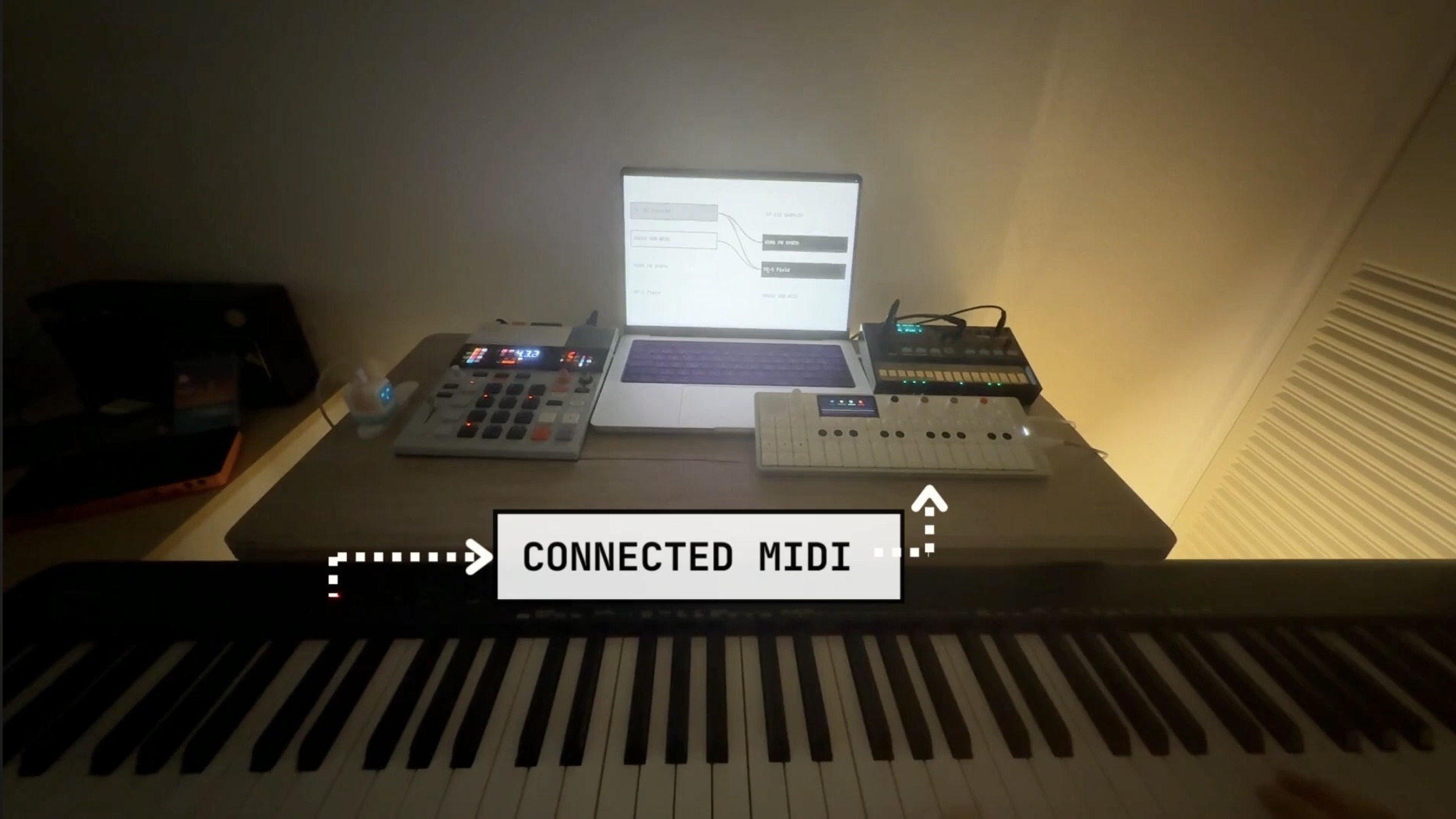
I’ve been playing dawless with my OP-1 Field, EP-133 and a few Volcas for a while. Two things always bugged me: the mini keys make these tiny synths hard to actually play, and I didn’t want to boot a DAW just to route MIDI between gear.
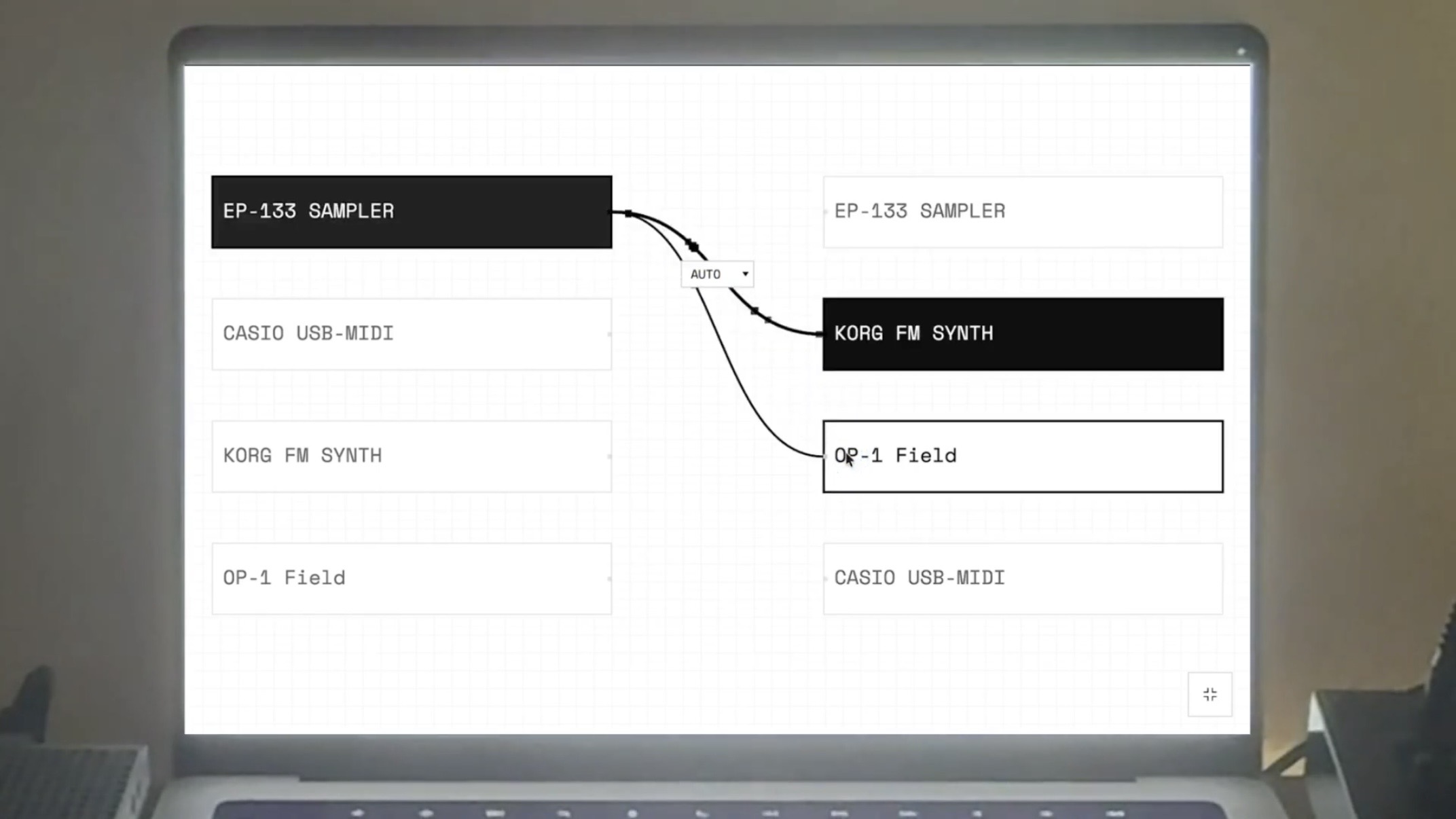
So I built a small Mac app to fix it for myself — MIDI Room. You plug your USB gear in, draw connections between them on screen, and play. So I can finally trigger the OP-1 Field from a full-size keyboard, or drive a Volca from the EP-133, with no DAW in the chain.
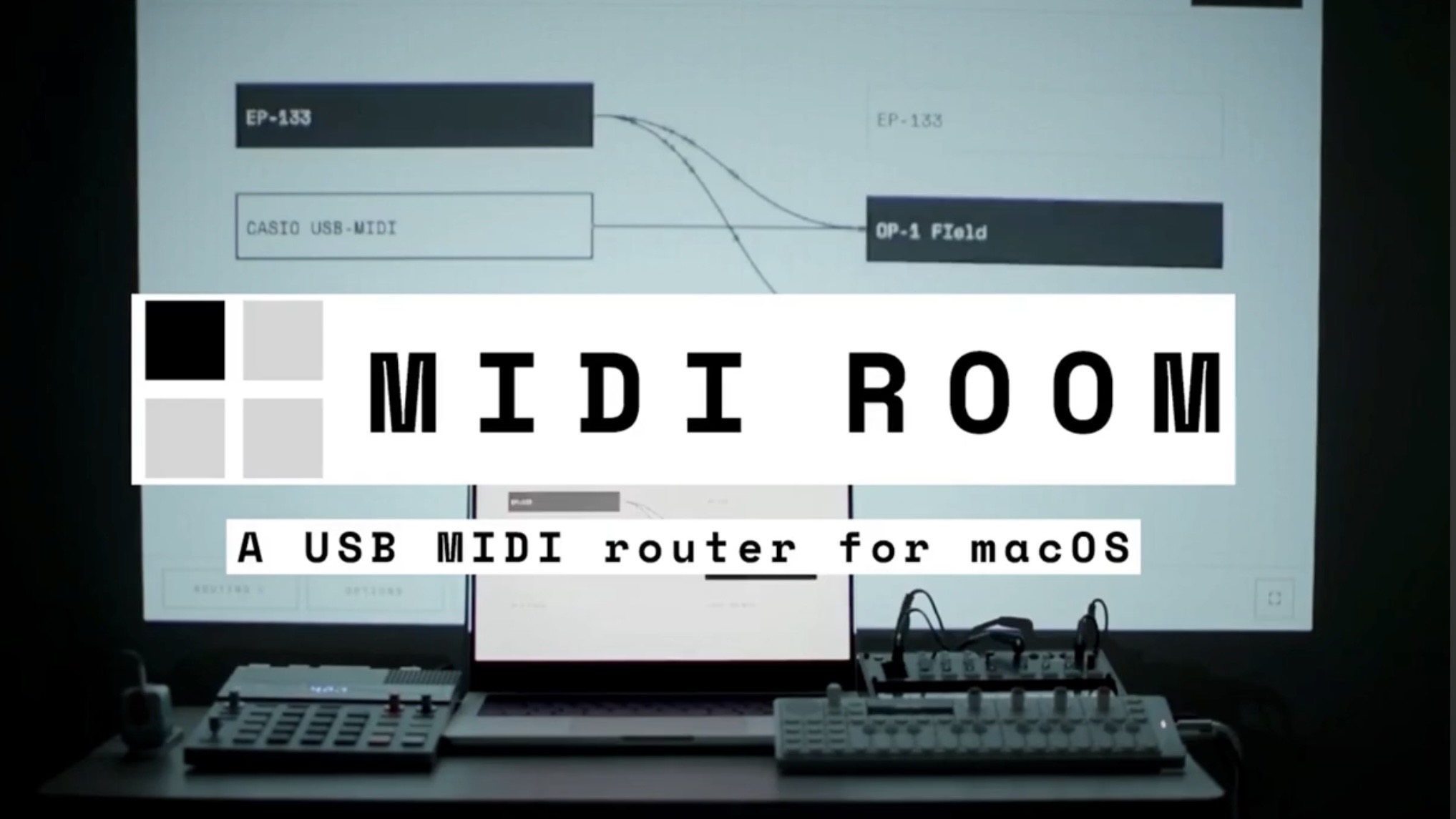
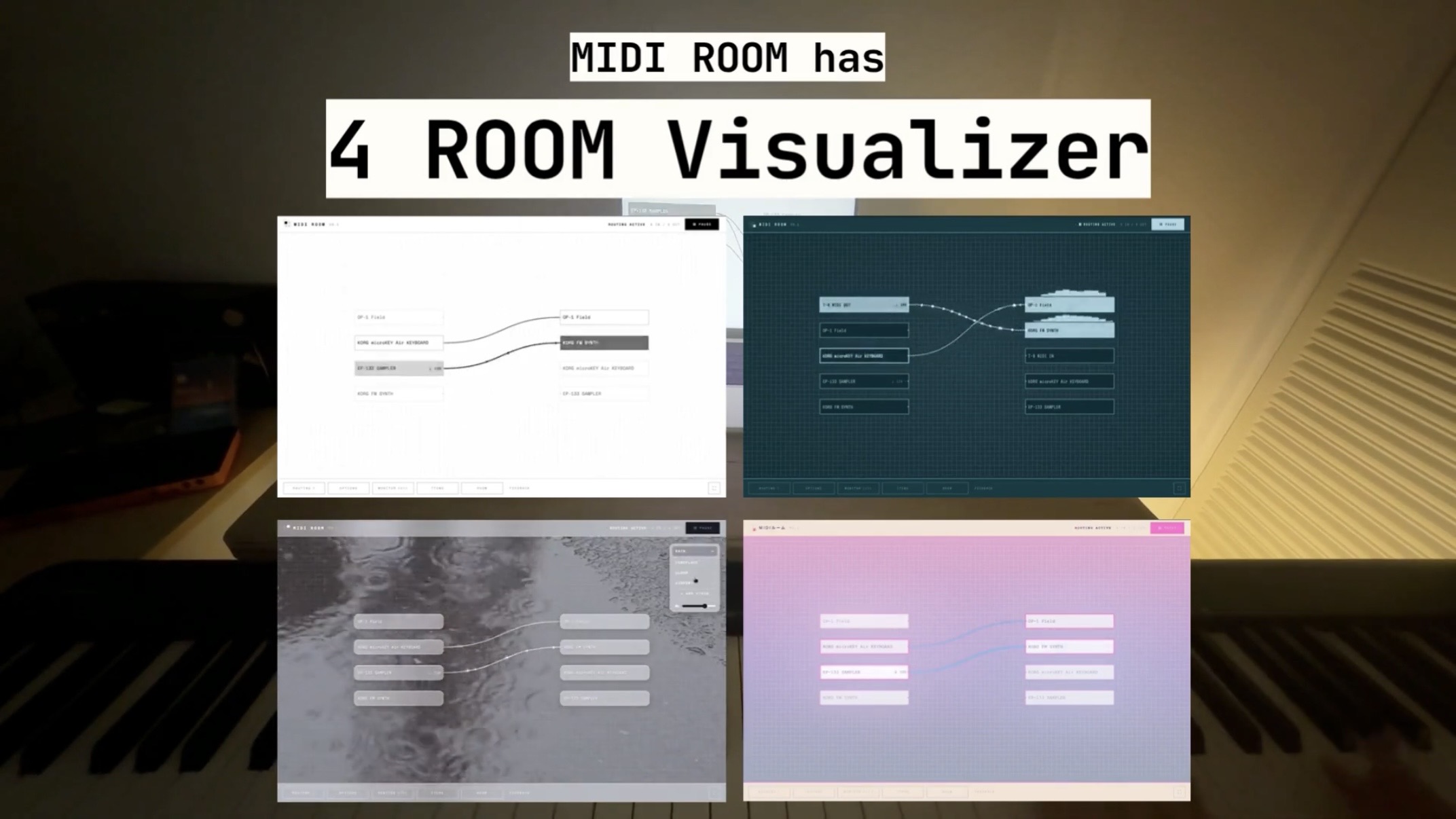
All it needs is a powered USB hub (or a USB MIDI interface for older gear). There are also a few visual backgrounds that react as you play, but honestly the routing is the core of it.
It started as a personal project and kind of grew from there. Free for up to 2 devices if you want to try it with your own setup. There’s also a one-time Pro (currently $14 for the first 50, normally $19) — but genuinely, I’d just love to hear how it works (or doesn’t) with your gear.
Quick demo: https://youtu.be/woeXo3wP4Bo
Download Free: https://midiroom.app
Cheers