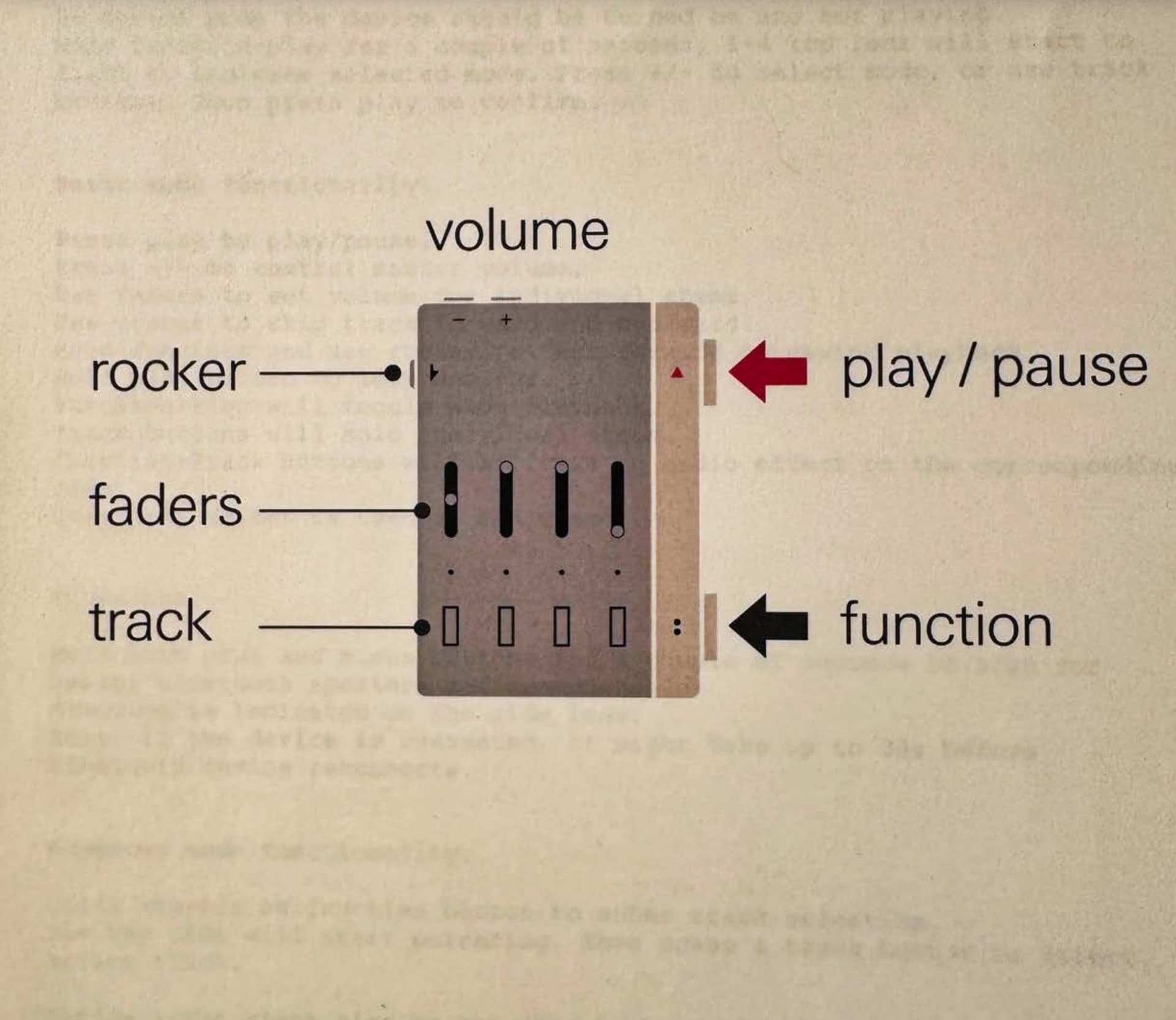
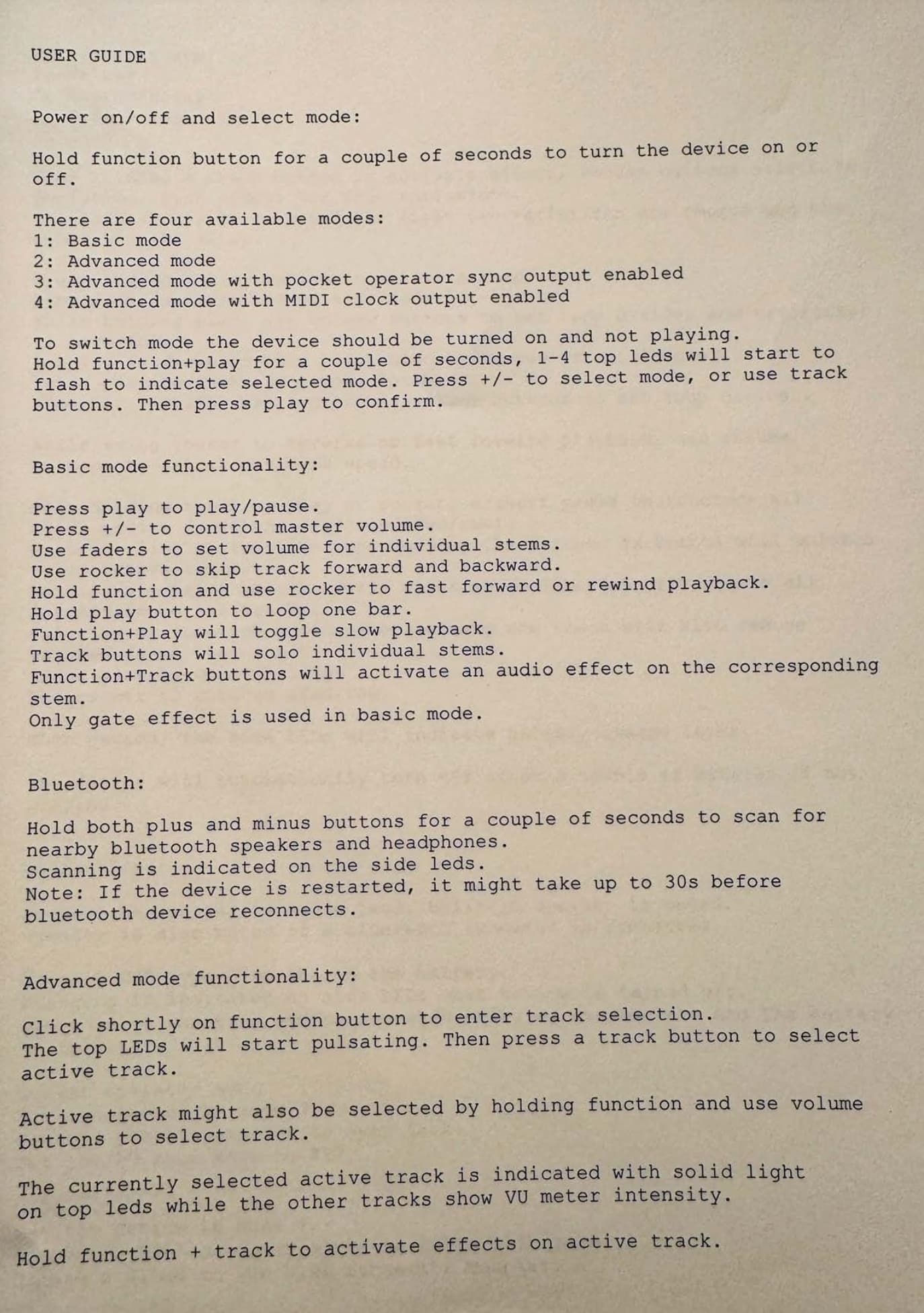
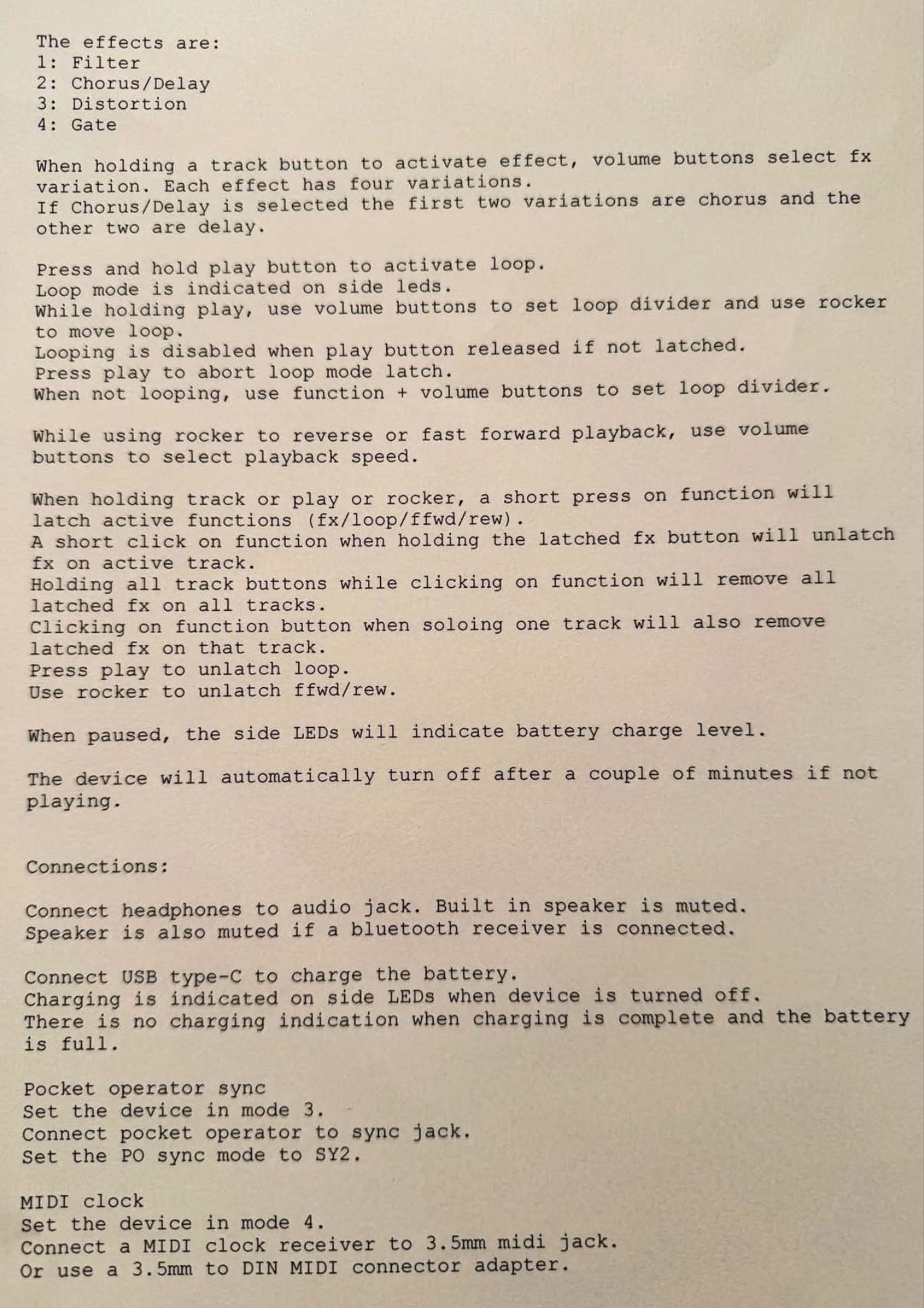
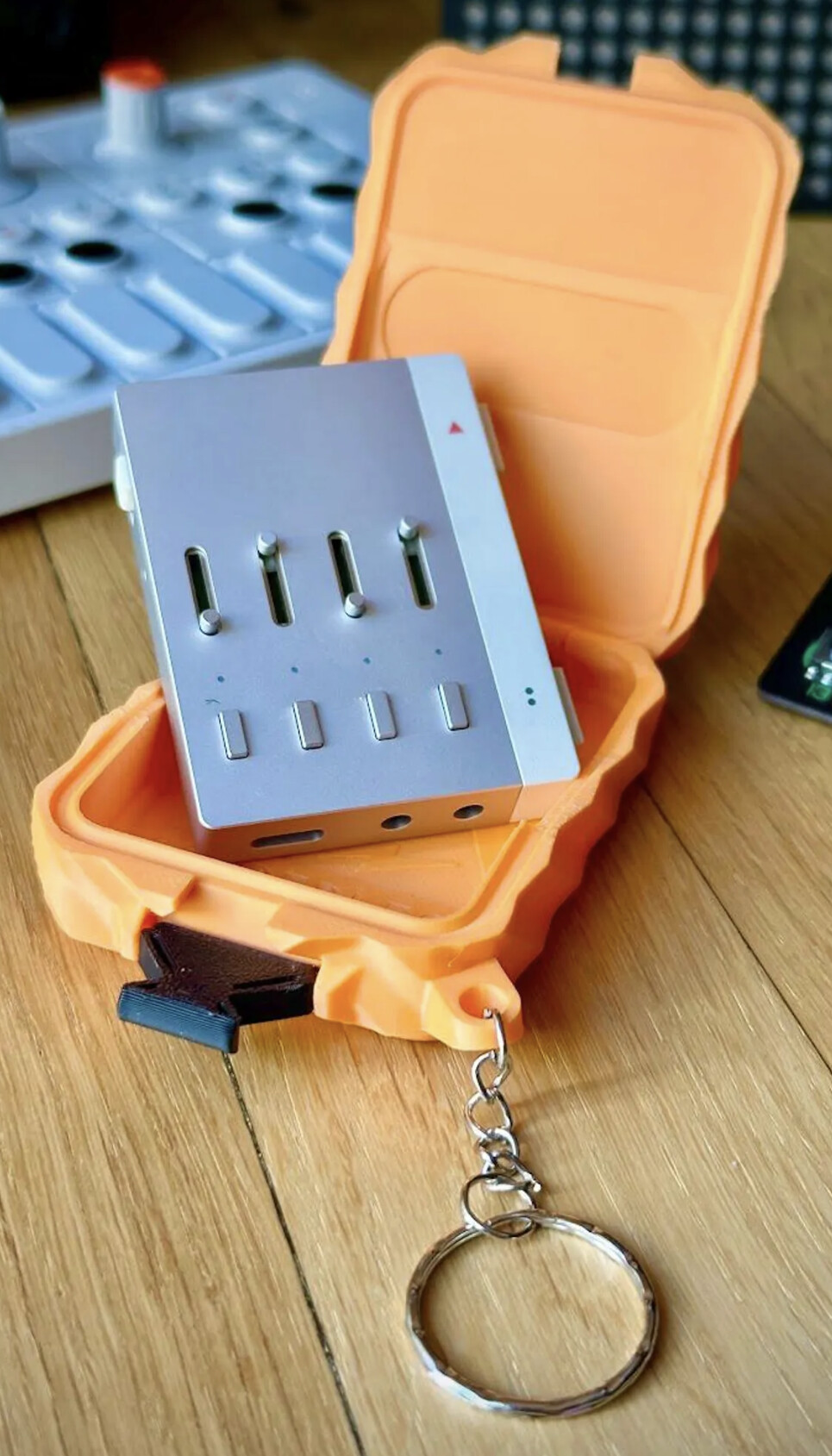
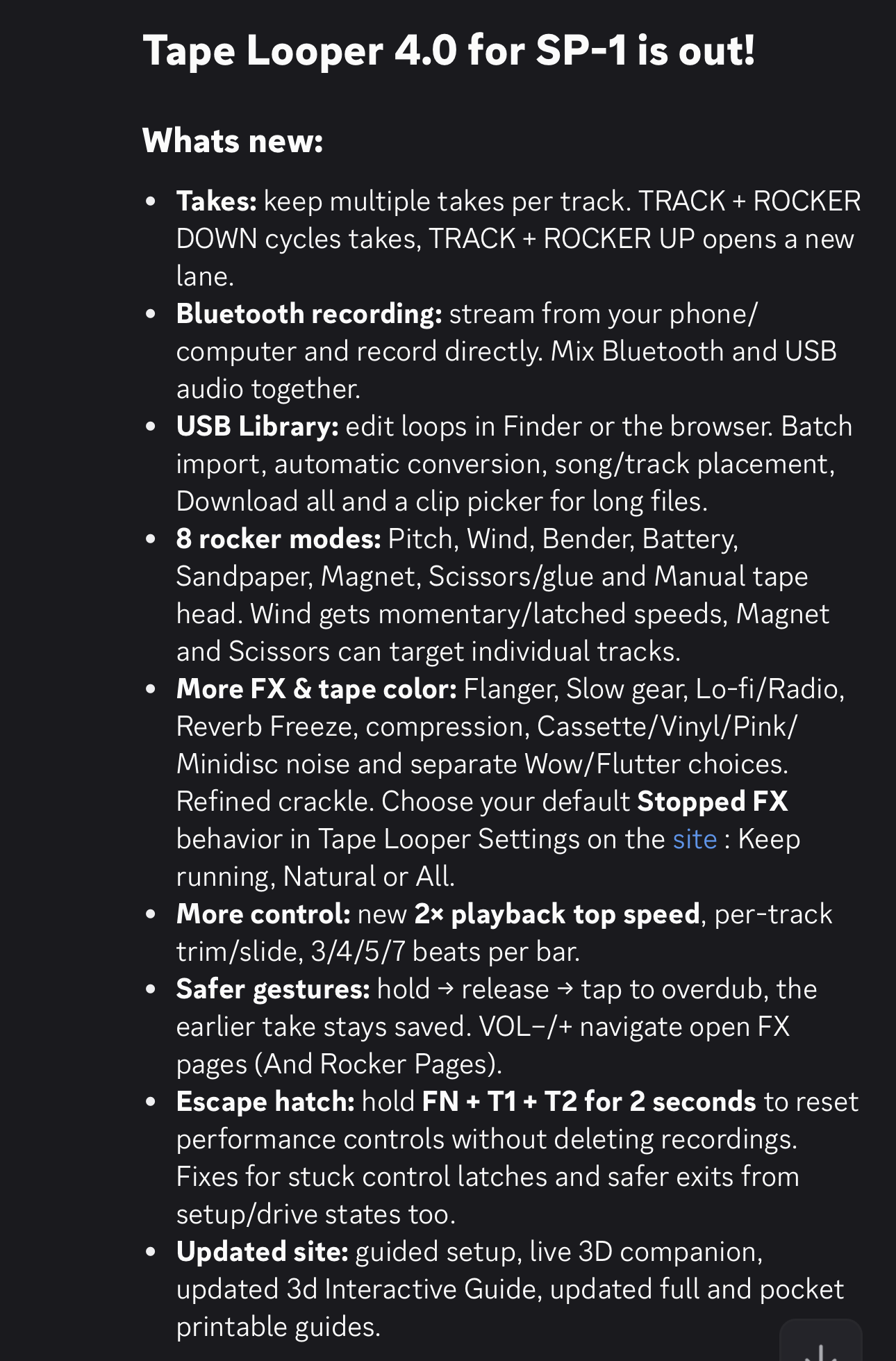
v0.7.0 - USB Audio OUT: Wakes now supports audio output over USB. When you plug it into an audio-capable host (Mac, iPad, OP-1f, OP-XY, Windows with an annoying ASIO setup etc.etc.), it’ll show up as an audio input called “Wakes Audio Out”. By default, the SP-1’s onboard speaker is off while connected this way.
v0.7.0 -audio.ini: a new config file sets the USB output level, and whether the speaker stays on while recording. Its default setting parks VOL at -6dB while plugged in.
v0.7.0 - New device name: the SP-1 now shows up as “Wakes” by Worldwave, so make sure to re-select the MIDI port in your DAW and reconfigure your clock settings for it.
v0.7.1 - Full-range sweeping: The bottom of Plaits’ OCTV fader (F1 on the SETTINGS page) now unlocks FREQ completely, allowing you to sweep the full frequency range with no centre-detent. For the freaks out there.
v0.7.2 - GTLT: a new Wakes-unique Marbles t-side parameter on SHFT-F1. It tilts t1’s and t3’s maximum output strength relative to eachother. t2 is unaffected. Additionally, Marbles’ UX is a little smoother, with less accidental fader movements, thanks to enabling some Mutable Instruments convenience features originally from Plaits’ UI.
tapebender (imagine you put a finger on a running tape)
battery (walkman style empty batteries)
sandpaper (imagine an exposed tape and you’ll drop a sandpaper on it while running so it’ll destroy the tape musically in about 8 seconds holding the rocker)
manual tape-head/headsmode
magnet (imagine a strong magnet destroys the running tape underneath)
in don’t think there’s a tutorial on wakes but some snippets here and there sound amazing, if you’re familiar with the modules, this is it in SP1 format
can’t go wrong by simply flashing your SP1 with it , it’s a quality build
Hey guys! I’m Adara, and I’m the creator of Wakes! Please let me know if you have any questions and/or suggestions to incorporate, and just generally your experience with it.
I’m still hard at work on this cfw, and will be making more in-depth guides for it and adding accessibility features in the future, so stay tuned.
it has been a bit quiet on the tape looper front but here is a lil tease…
Upcoming v4 has aimed for Sunday release has:
Stuck fixes
Safer overdub gesture
New default 2x top speed varispeed
Bluetooth audio input
USB audio + Bluetooth audio input simultaneous mixing
Unlimited takes per track you can flip through (thanks to new filesystem compatible with Wakes CFW storage)
USB Drive mode
Rocker Modes which do hardware simulation on the tape (Pitch/varispeed [default current one], Walkman style FF/RW at 3x speeds, Finger Bending the Tape, Battery Drain, Sandpaper to the Tape, Manual Tape head, Magnet to the Tape, Scissors/glue the Tape)
Custom scales: v0.9.0 lets you configure the scales used by Plaits’ quantizer and Marbles’ X STPS quantization, via the new scales.cnfg, at :/WAKES/CNFG. Wakes has 7 scale slots for you to play with. Plug your SP-1 into your host while it’s in STANDBY, and edit the file in a text editor.
Scala .scl format support: scales.cnfg uses the Scala .scl format to define scales, so any scale that you build and export as .scl from tools like Scale Workshop can be pasted into a slot as-is. Wakes adds two extras on top: a weight parameter following each interval definition, which decides how prominent that note’s presence is as you move Marbles’ STPS upwards, and plaits = N, which acts as a threshold determining the notes Plaits’ quantizer chooses to play out of the scale. The intent is to create a functionality where you can make scales appear out of chromatic tuning definitions. The file explains both states, with examples.
A scales wiki: below the [scales_wiki] line, scales.cnfg contains a reference library of scales for you to copy into your slots and use: the seven musical modes (Ionian to Locrian), and examples of experimental microtonal scales 31-EDO’s chromatic definition and the first mode of its cute and dreamy Mothra[6]. Wakes doesn’t read anything below [scales_wiki], so the library doesn’t get in the way of any parsing. Copy between the two markers around each scale, scroll above [scales_wiki], and paste the definition under one of the slots [1]-[7] to use the scale.
Tune By Ear: For scales with a specific scales.cnfg setting (tune_by_ear = on is true for most scales), whenever you turn on Plaits’ quantizer, it first samples FREQ’s (F1’s) position for the root tuning, then quantizes off of that root. This lets you tune Plaits’ FREQ by ear while checking it with TRIG, and then turn the quantizer on with SCL> (Plaits SETTINGS T3). Stepping between scales keeps that root; turning the quantizer off and on again allows you to sample a new root. Pelog, Bhairav and Shri are examples for scales that stay rooted on C (tune_by_ear = off).
OCTV: When moved below the octave switch area (lower than just-below-top), OCTV (SETTINGS F1) used to lock Plaits’ FREQ (F1) to a ±7 semitone range of frequencies. It now instead locks FREQ to two octaves around the root note. That way, FREQ’s extremes land on root periods with any scale, as long the scale has a period. Just below max, FREQ still sweeps full octaves of the root note, or your scale root’s octaves when the quantizer is on.
IMPORTANT - Updating From v0.8.2: v0.9.0 changes the PRST format to store Tune By Ear’s root, so this release uses the fresh bin. Please back up your WAKES folder first (copy it off to somewhere in your PC), then flash using fresh to reformat your storage. Older Wakes versions can’t read v0.9.0’s PRSTs: if you go back to v0.8.2, those slots load as defaults.
There’s some more minor stuff, find it on the release page!
it has been a journey the most interesting way to stop ewaste thru creativity, the most advanced tape looper, half the size of a credit card. true Teenage Engineering spirit
hello! i know you are such a great authority on the tape looper CFW… i’m looking into different firmwares for my sp1 today and wondered if you happen to know of any videos which show the workflow of tape looper? i checked out the description over on the discord but can’t quite wrap my head around it. in any case, thank you for all the updates and enthusiasm here!!
for general things and a lot of live info it’s best to use the live companion and it’ll show you exactly which buttons you’re pressing, which mode it’s in and basically everything from your first loop to the rockermodes or fx
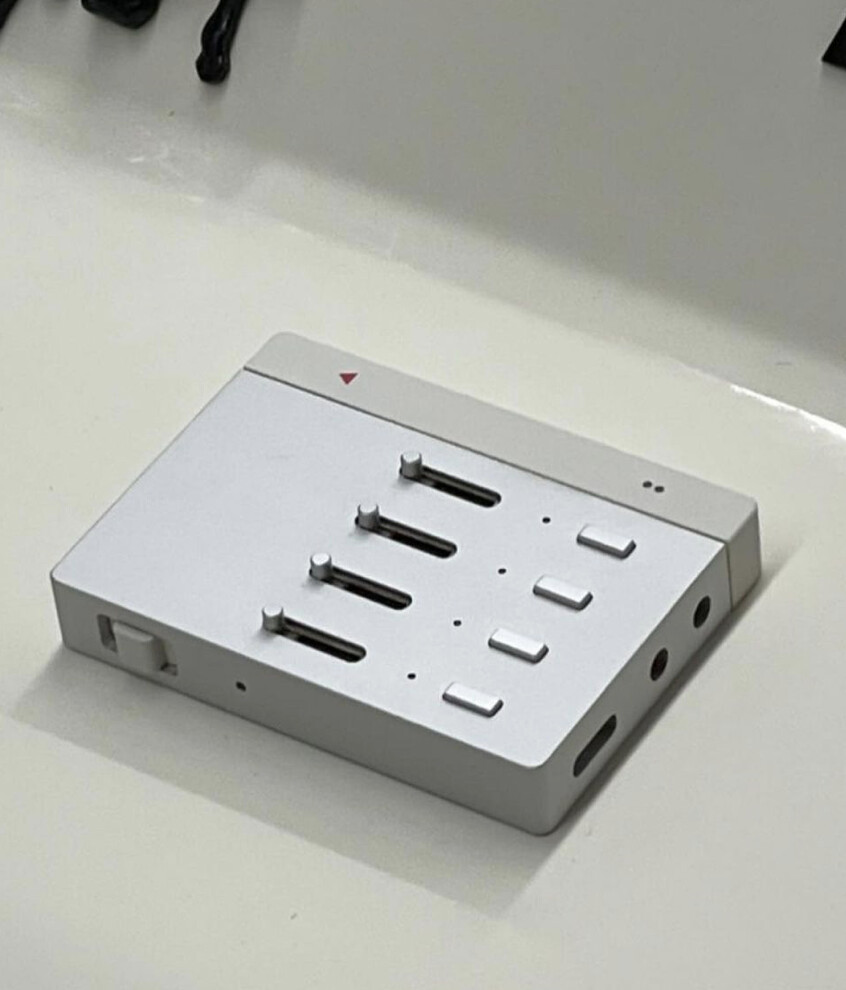

 manuals (except fmd) included

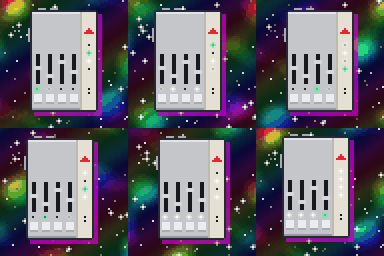

 helpful interactive 3D guide which is running the real firmware.