Multi-channel recording still does not work on iPhone 11 (lightning port) either on Fruity Loops Mobile or Cubasis. 
Multichannel is broken for me. Does not work in Ableton. It seems to want to crash it. I’m running the most current version of live.
1.6.2 fixed crackling audio between OP-1F and iPad, at least for me! Tested multichannel audio too, seems to work. Had two AUM channels with different insert effects for track one (ouput 3/4) and track two (output 5/6), both returning the signal to the OP-1F via USB.
1 Like
I was getting some strange behavior between OP1f and AUM yesterday, AUM froze on me twice. I hope this update fixes the issues. I’ll get a chance to check it out tomorrow.
1 Like
Oh, I finally figured out how to move files with firmware 1.6.x: just use Lift and Drop. It’s that simple!
1 Like
Same
(Audio engine failed actually- refused the hardware connection)
I have the feeling the tape crossfades aren’t exactly an improvement. You used to be able to keep a perfect loop after lifting a tape section and then dropping a few one after the other. But when you do this on 1.6.2 you get noticeable gaps. You can work around this by shift+dropping.
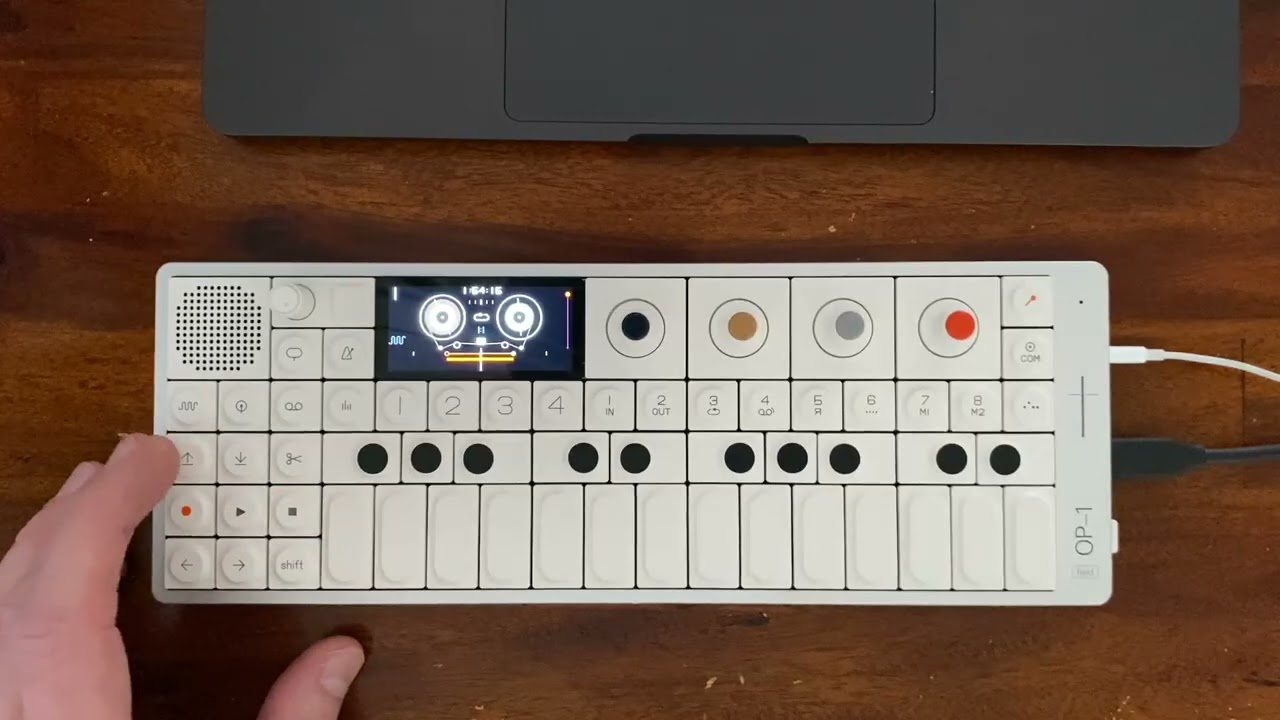
What I always found to be amazing about the OP-1 is that you could cut of the tail end of a sound on the tape, shift+dropping it on the start, and still keep a perfect loop. But on 1.6.2 this also has a clear gap instead of a smooth transition.
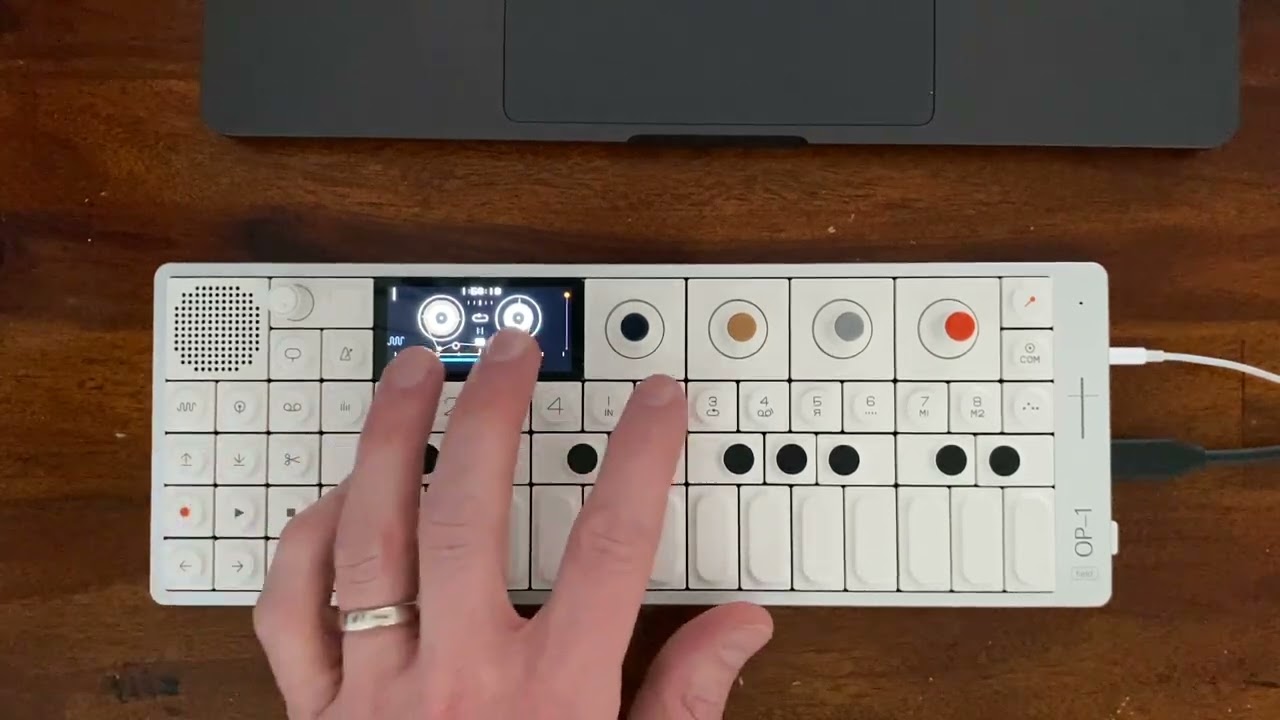
Unfortunately I can’t compare it with 1.5 because downgrading my OP-1 gives an error on screen.
3 Likes
I don’t think we can downgrade once we go 1.6
I’ve run into similar issues with 1.5.7, too, as far as I recall. Being an OP-1 user for about 8 years or so (starting with OG) I suspect there’s something fundamentally wrong with the design that makes it impossible for TE to create a flawless and reliable tape workflow.
And now there’s even a much trivial and annoying bug (with 1.6.2): dropping a shift lifted group of takes (so no audio merge just the good old drop) it just pastes one of the takes on the four tracks and you loose the other 3 
You can downgrade to 1.5.x , you’ll just install the firmware, on first run you’ll see an error, and then you do a factory reset. Make sure to backup your tapes/presets so you can get them back in there after the reset.
2 Likes
Awesome  for this info
They should add an option to enable/disable the cross fades.
I’m pretty confused as to how it’s supposed to work. They said it was “non destructive” but in what sense? Does that mean I can go back somehow?
I think there are bugs right now and once fixed the crossfades will work well.
In all DAWs I know about, crossfades are non-destructive. It’s a quick fade out/in (X) applied on top of an edit point. If you move the file somewhere else on the timeline the fades don’t follow and that piece of audio will sound exactly the same as before the crossfade was applied.
In Logic I do a lot of vocal comps which would be nearly impossible without short crossfades, usually 2ms or so.
Yes that just happened to me. I didn’t have any trouble connecting to AUM before I installed 1.6.
1 Like
But isn’t the crossfade applied each time you drop? Wouldn’t this mean the cross fade is always applied then?
Anywhere two pieces are joined.
If you move piece B from after piece A to after piece C, there won’t be a trace of piece A left on piece B to interfere with the new crossfade with piece C. That’s the good thing about non-destructive crossfades.
Very short crossfades are an excellent way to join audio files without clicks just like cutting tape on the bias.
This update has some bugs, though. I hope they sort it out soon.
I know what the point of cross fades are and I’ve used them in Reaper which is also non destructive. I just don’t get exactly how they work on the OP-1. I thought it is applied each time you drop a section of tape which would mean then you always have cross fades for anything you lift and drop no matter where you place it.
So in your example if you move piece B from after piece A to after piece C it would have the exact same cross fades as they are always applied to the start and end of piece.
I apologise if you found my reply insulting, it was not meant to be. I guess I don’t understand your question.
Np. No I didn’t find it insulting.
My question is how can I make use of the fact that the cross fades are non destructive? My understanding is as soon as you lift and drop a piece of audio it then has cross fades on them. So I can lift the track again but as soon as I drop it again it will have the same cross fades applied to it, regardless of what other pieces of audio it is adjacent to. This is my understanding but maybe I’m wrong.
Are you guys able to return channels back to the op-1f channels via your daw or aum? I can’t get it to see that!
Yes I’ve changed the op-1f to 8 channels but I only show channels 1-2 return.