Here’s the first video in a series of tutorials that I’ve made for the POs. Stay tuned for more 
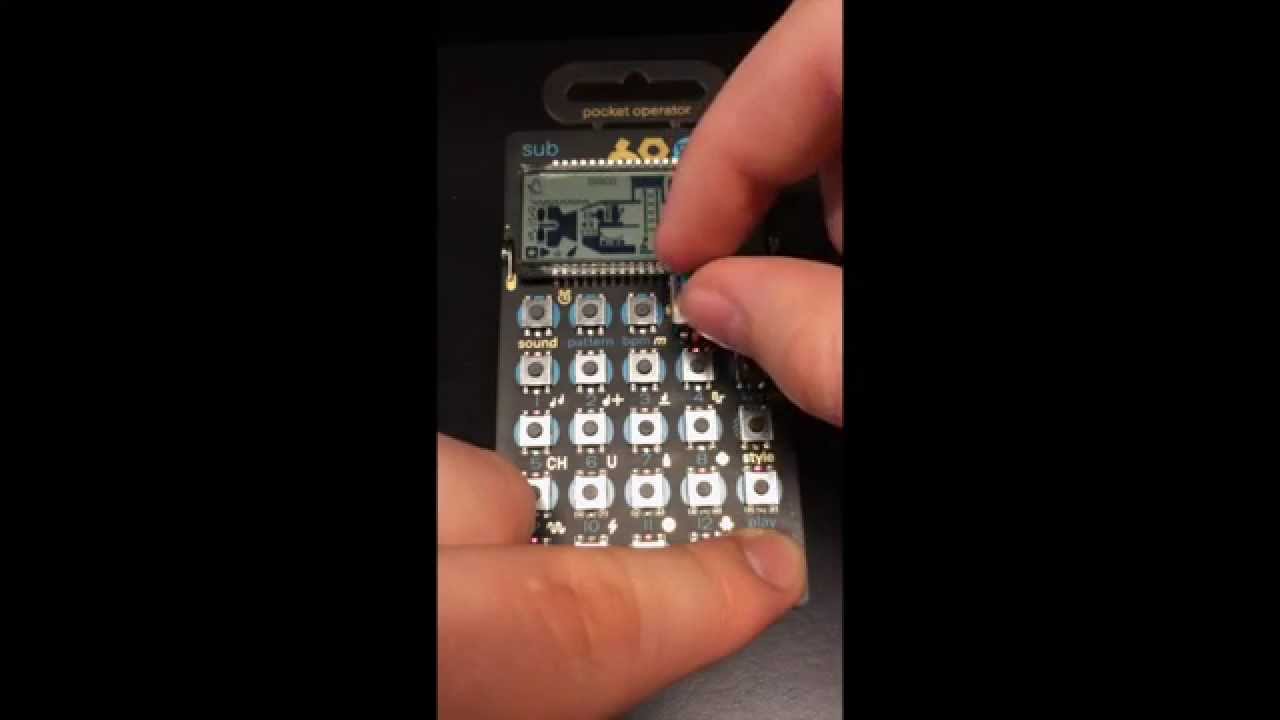
Here’s the first video in a series of tutorials that I’ve made for the POs. Stay tuned for more
@masterofstuff124, thanks for your advice. its the synckontrol app from korg and it works fine until i reach the 120bpm. maybe the output of the iphone is to quiet. @flom
Hey fellas I highly recommend Trigger Box for syncing the POS from an iPhone. Works perfect for me and I believe its free.
I only have the po12 but found a couple things.To writer parameter locks on a per-step basis, leave write mode, stop playback, then tweak your sound. Enable write mode and insert notes and they will be saved to the sequence as you last heard them.
Oh man, great tip! This is a life saver for me. I’ll try it with the other po’s.
^ This tip seems a little bug on the PO-14/16 when trying to re-apply an existing step.
^ This tip seems a little bug on the PO-14/16 when trying to re-apply an existing step.
Yeah, haven’t experimented much but it does some funky stuff. Also parameter changes seem to slide rather than jump.
@knobhead From my observations of the output signal using an oscilloscope, it looks like the parameter changes are recorded per step and then linearly interpolated. The reason for that (educate guess) is to avoid using too much space for storing the patterns.
Loving my PO-12 so far, but there is one thing that scares me.
Thinking about the day I have to change the batteries.
Has anyone a tip on how to remove the batteries safely without braking anything?
Kind regards
Grab both batteries near the positive edge and force your thumb underneath it until that one gets ejected first. I don’t think you can break anything, at worse you will bend the contacts a bit, but those are easily put back to their original shape.
What I meant was that the PO-12 screen has outlines for lighting up digits "2 4 8 16" right next to where the button appears (Gently press the screen, or look with the right angle lighting, to see it)And I don’t remember ever seeing them lit
Has anyone figured this one out yet? I can’t get those numbers to light up either.
I think those symbols were supposed to indicate the step multiplier value, but for some reason TE has choosen not to use them…
By the way, there is also a needle and several spools symbols hidden in there. You may check it at http://hackingthepo.weebly.com 
@punji cool site! I’m not going to pretend to understand even a fraction of the info, but cool! I think the other spools are part of the animation when changing patterns?
@sammyjams You are right, I hadn’t noticed the spools animations! So that leaves out only the needle and the multipliers…
man didn't think i would end up getting any POs, but i'm jumpin in the pool w/ yall!
got a PO12 on the way!!
@docshermsticks you won’t regret it. It is undeniably fun.
Grab both batteries near the positive edge and force your thumb underneath it until that one gets ejected first. I don't think you can break anything, at worse you will bend the contacts a bit, but those are easily put back to their original shape.
Yup, this is great advice. Used this technique the other day. When I had to repair my OP-1’s I/O card, I purchased a replacement on ifixit. I never bought one, but noticed a few products like this iFixit Opening Tool
^ I tried with the one below but quit because I was afraid of breaking something. The problem is that there is no opposing force, so when the battery ejects, it looks like all that force will end up going somewhere else!

lol anybody else name their lil pocket operator guy or gal?
@docshermsticks hahaha…that’s great!
anybody have any tricks for quickly muting or erasing sounds from a pattern?
so far, sometimes certain fx can give u a quick mute. almost kinda wish they had used function+1-16 to toggle mute on that sound or something like that.
Well some sounds offer to be muted through one of the knob, but otherwise my favorite to approach a mute is the low pass or high pass filter.